Enterprise Starter
Your own AI platform, started from one that already runs a business
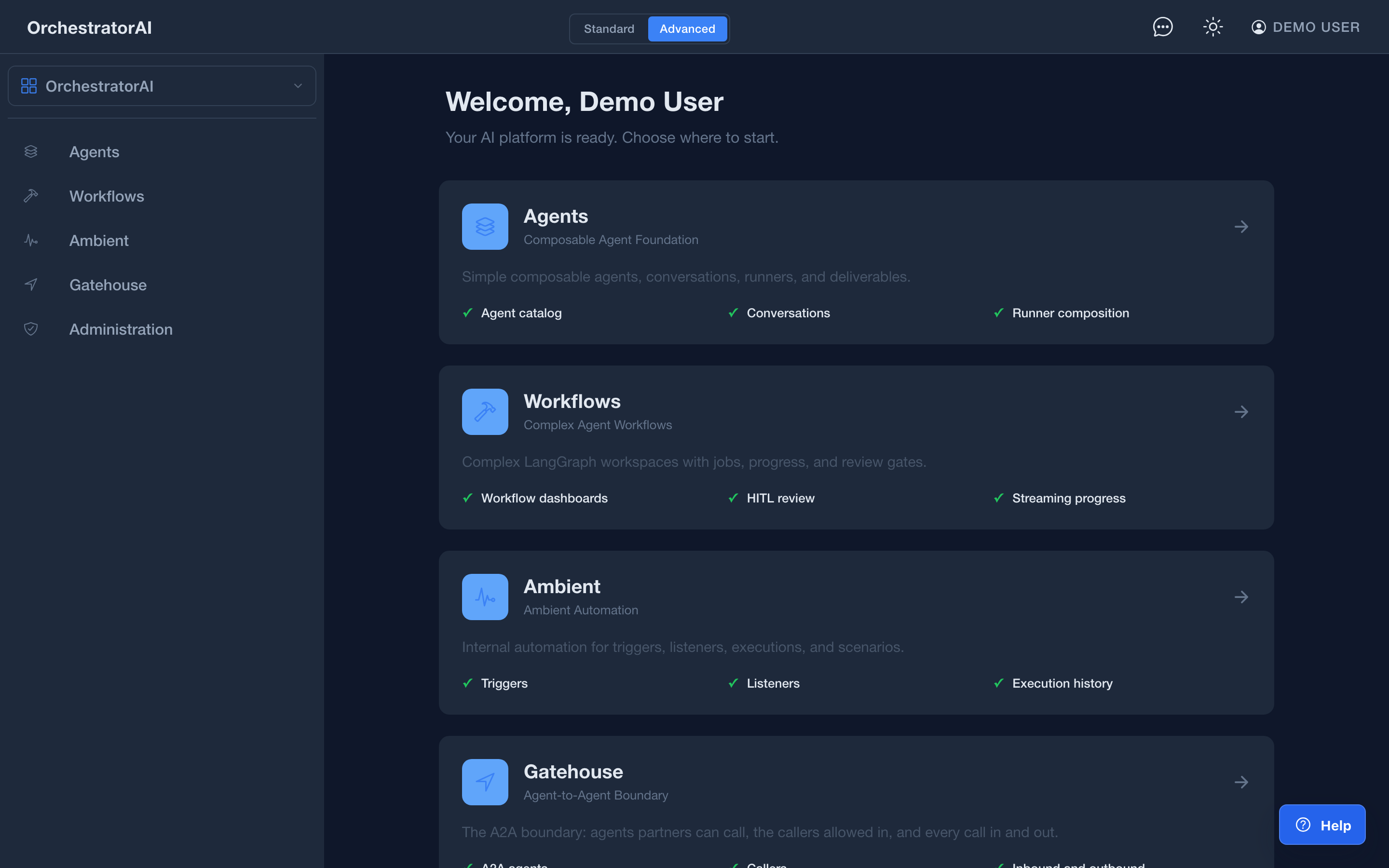
OrchestratorAI Enterprise is one API and one app for agents, workflows, ambient automation, admin and a governed door for outside agents. The Starter is that platform as an installable kit: the core and a set of ready modules, installed on your infrastructure, with your own business modules built on top.
For a mid-size company that wants its own AI platform, connected to its own database and mail, rather than a seat on someone else's.
The Starter is being lifted out of a live client engagement; installs are set up with you. The demo runs Enterprise v3, the platform it grew from.
What it does
A core, modules, and your business on top
Modules, not a monolith
The Starter is a core plus installable modules. Each module says what it owns: its screens, its permissions, its agents and workflows, its database changes. Install one and it appears in the app; leave it out and nothing of it is there.
Ready modules cover company knowledge, customer service, marketing and media. Your own modules, such as order intake or fulfillment, sit beside them and never reach into the core.
Agents and workflows on your own data
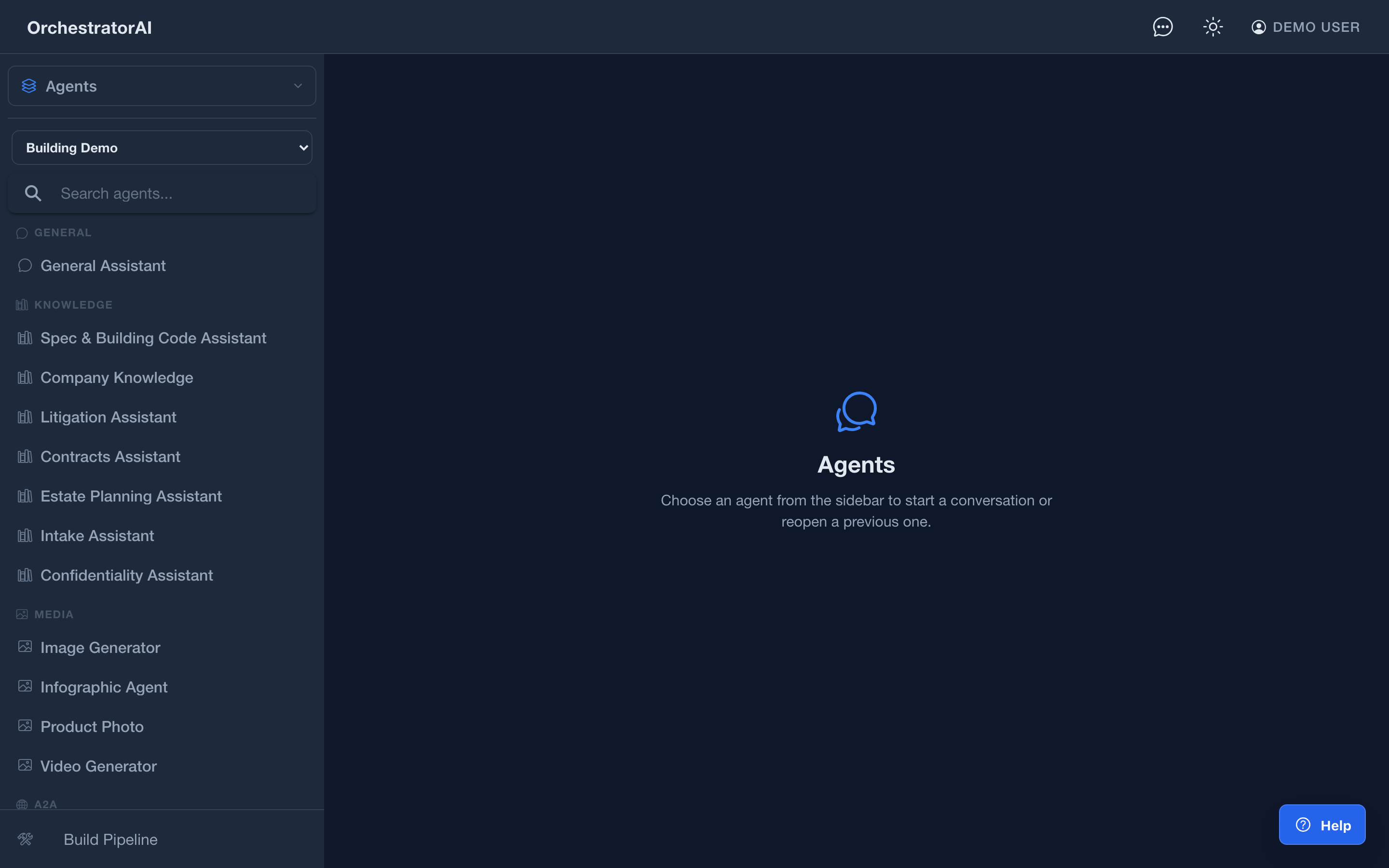
Agents answer from your own documents and cite where each answer came from. Workflows run as durable runs you can watch step by step, pause, and resume.
The platform keeps its own database for agents, runs and logins. Your company database is connected beside it, so a workflow reads your real customers, orders and products, and your data stays where it is.
Work that starts on its own
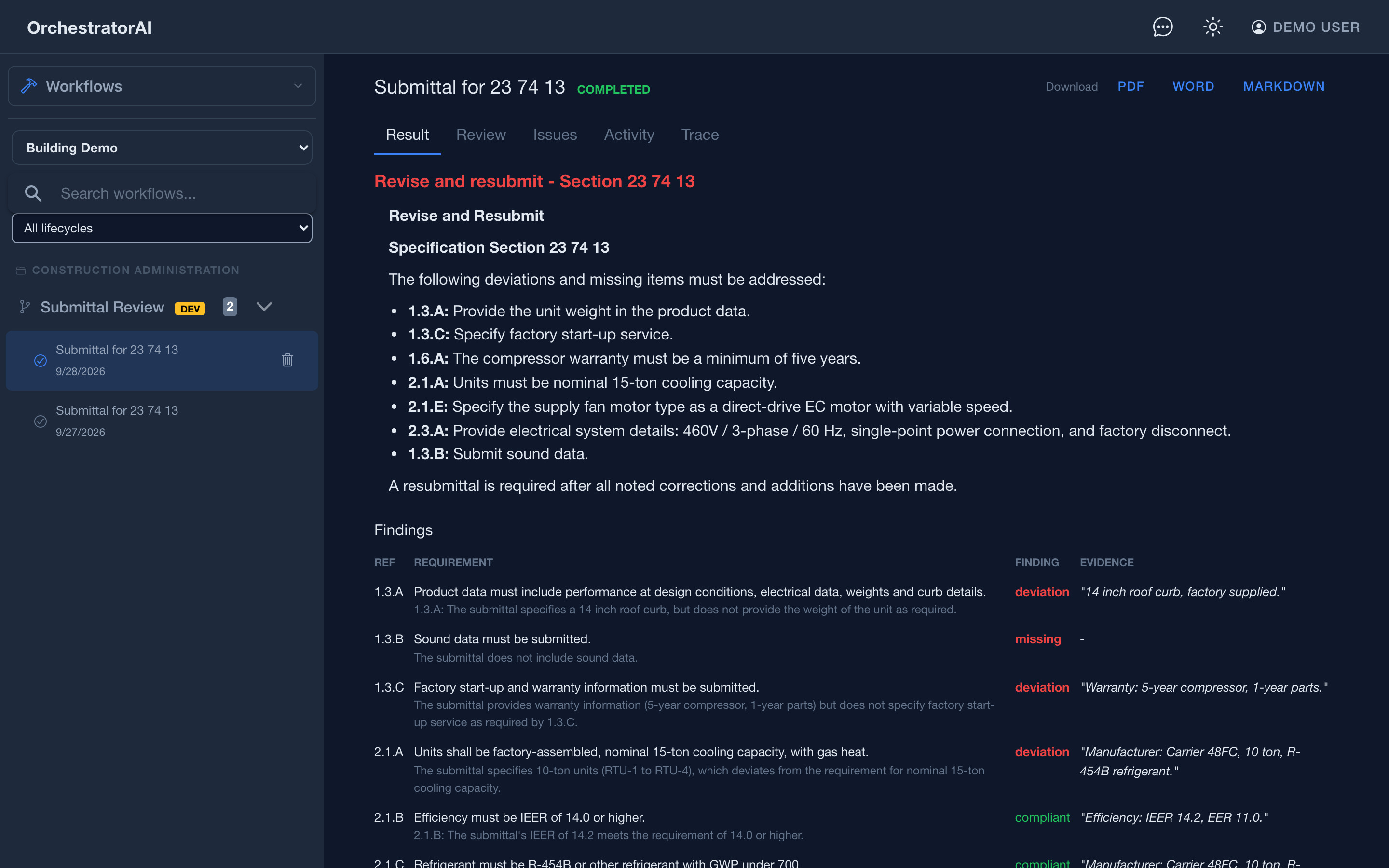
Ambient automation watches the places work arrives. A message lands in a watched mailbox, its attachments are read, a workflow picks it up, and a person reviews before anything goes out.
A governed door for outside agents
Other companies' agents come in through the Gatehouse, which speaks A2A and MCP. Every caller has its own key, every tool says what it needs, and a request that touches an account can wait for a person to approve it by email.
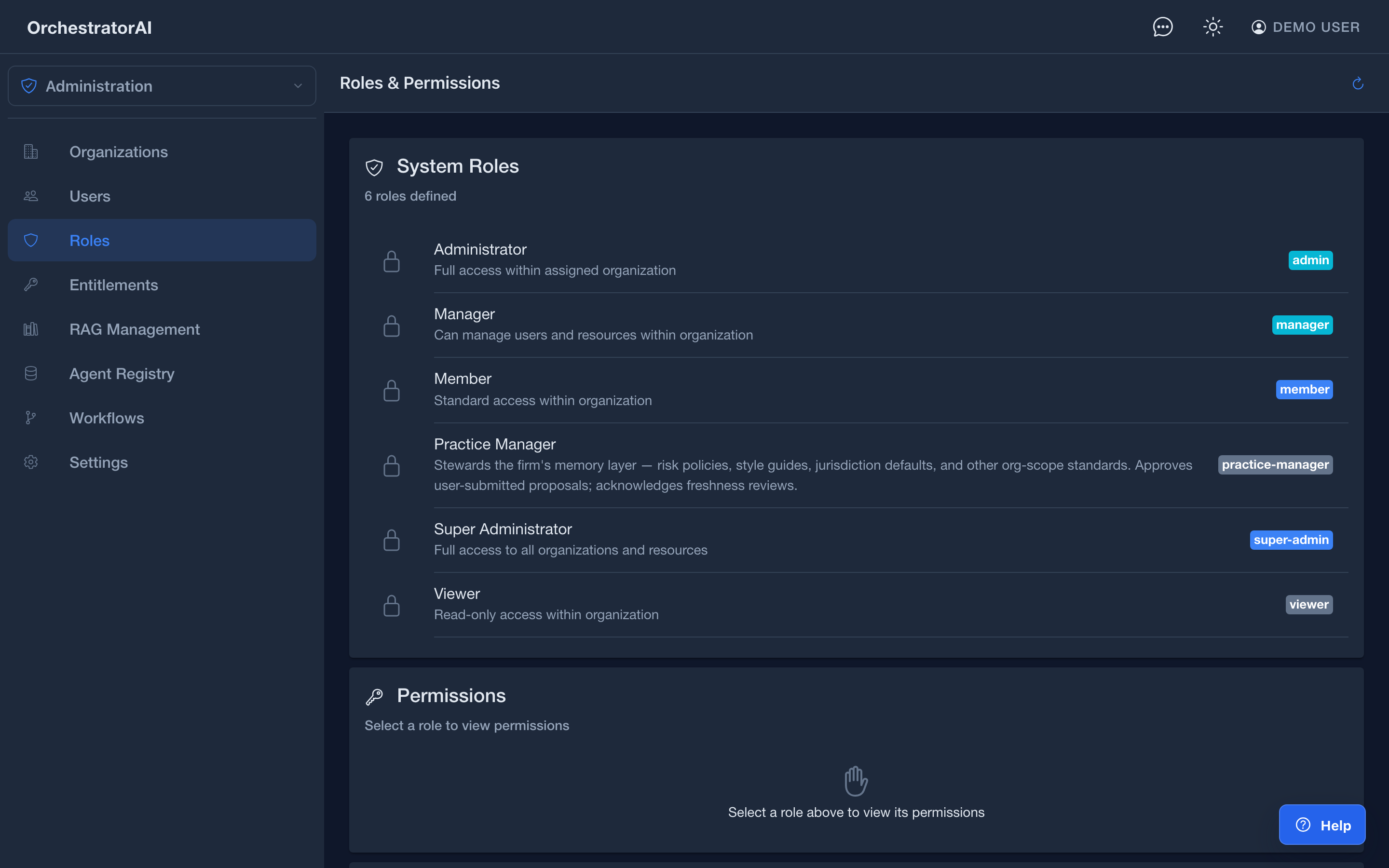
Inside, roles hold: staff see your business area, the platform area is only for the people you grant it, and every admin action is checked in the organization it acts on.
Where it lives
- Hosting
- Google Cloud Run with hosted Supabase, set up from Terraform, or your own hardware.
- Models
- Frontier models through the provider you choose, local models on your own machines, or both, set per agent.
- Data
- Two databases: the platform's (agents, runs, logins, the Gatehouse) and your company's, which stays yours.
- Access
- Sign-in and roles per organization; outside agents only through the Gatehouse, each with its own key.
Where it stands
- The Starter is in use today in one client engagement, modernizing a company's website, orders and fulfillment. Its client-specific modules are being separated out so the core and the ready modules install on their own.
- The public demo runs Enterprise v3, the earlier platform. It shows the agents, workflows and admin the Starter grew from; it is kept for demos and not developed further.
- There is no self-serve download. Each install is set up with you, on your cloud or your hardware.
How to work with us
Install the Starter
We install it on your Google Cloud project or your own hardware, connect your company database and mail, and set up sign-in and roles.
Build your modules
We build the first modules for your business with your team, and teach them to build and change the next ones safely.
License or partner
White-label, a platform license, or a strategic partnership, depending on what you want to own.